Free invoice generator, ready as a PDF.
Fill in your business, your client and the lines. The totals, tax and amount in words work themselves out. Pick a design and download the PDF, with no account and no sign-up.
- No sign-up
- 6 designs
- Your logo
- Any currency
Three steps, one PDF.
Most invoices take a couple of minutes, with nothing to set up first: open the editor, fill it in, download.
- 1
Fill in the details
Your business and logo, the client, and a line for each product or service. Start blank or from an industry template.
- 2
Pick a design
Choose one of six designs and one of its colors, or set your brand's own. Every design prints on A4.
- 3
Download the PDF
Subtotal, discounts, tax and the amount in words are worked out for you. Send the PDF or print it.
Six designs, one for most businesses.
Each one is a real InvoiceStamp template. Open it in the editor, then recolor it to match your brand.
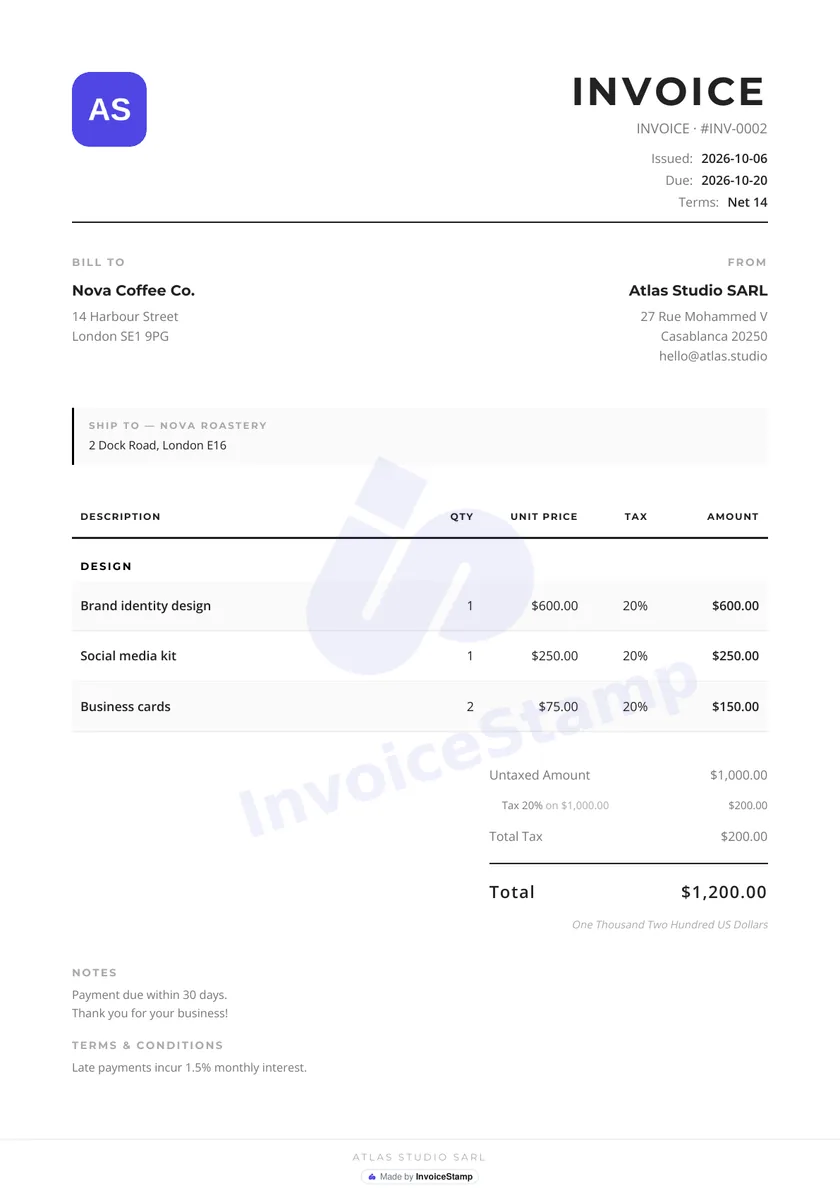
Minimalist
Freelancers and any business
Use Minimalist
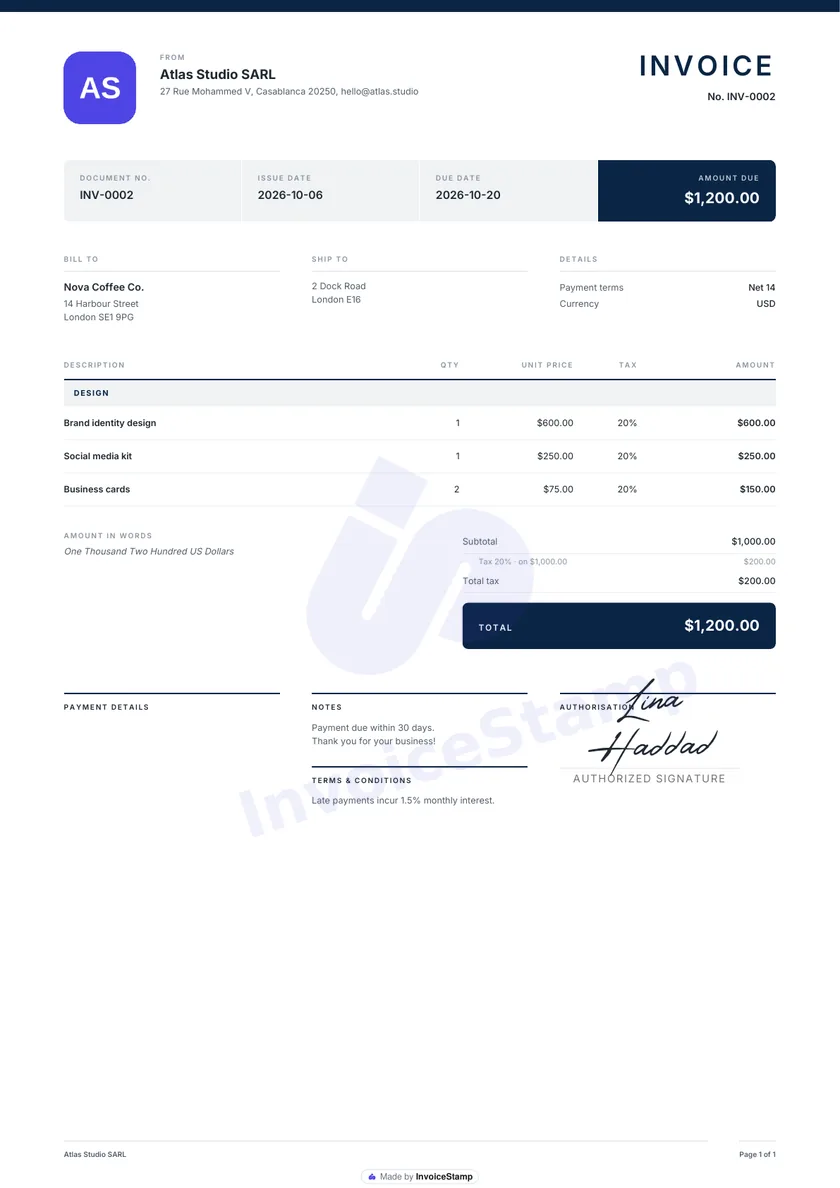
Meridian
Consulting, finance and legal
Use Meridian
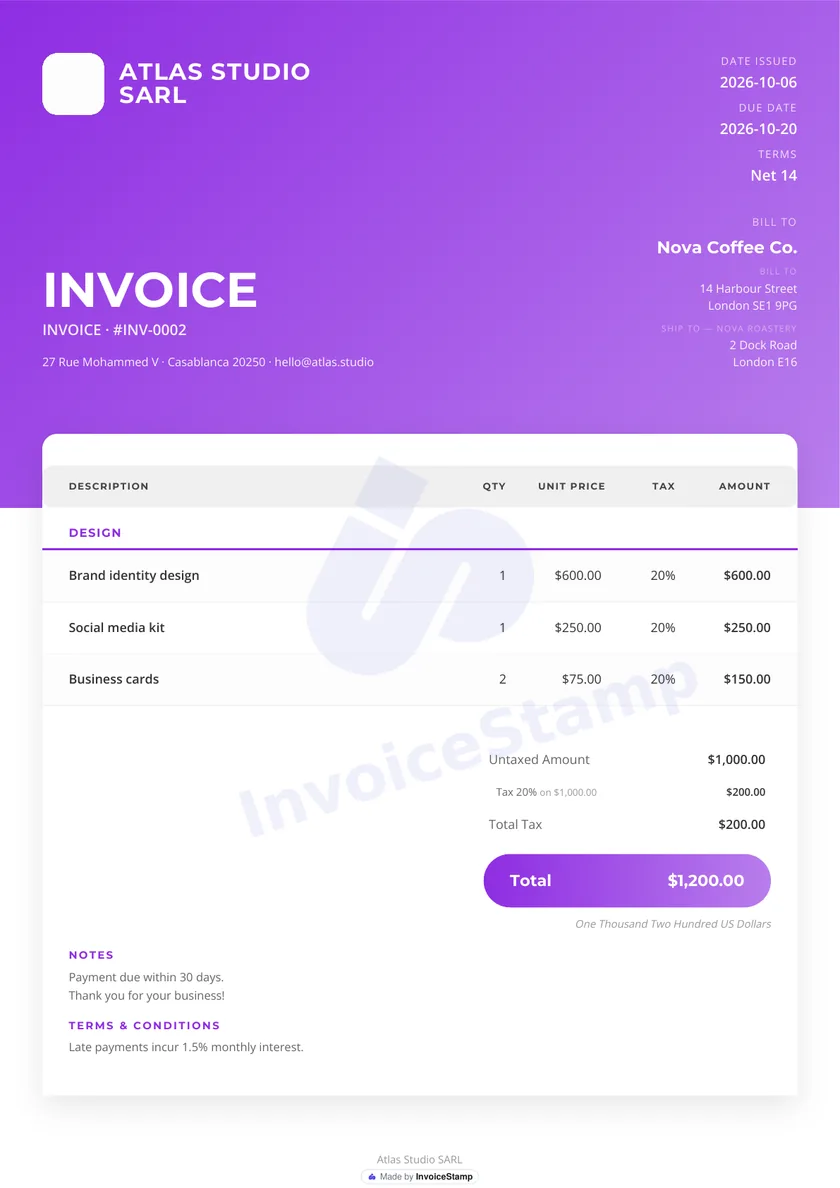
Violet
Startups, agencies and tech
Use Violet
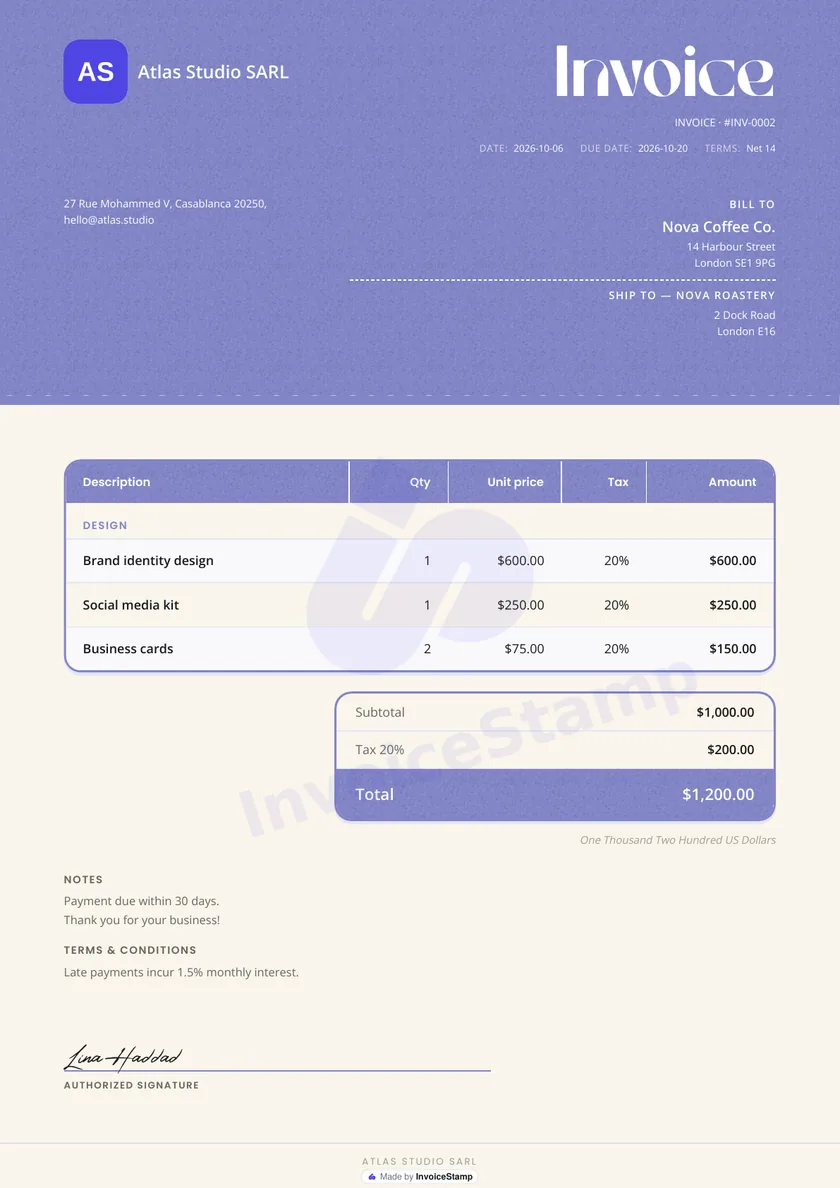
Lavender
Coaches, studios and personal services
Use Lavender
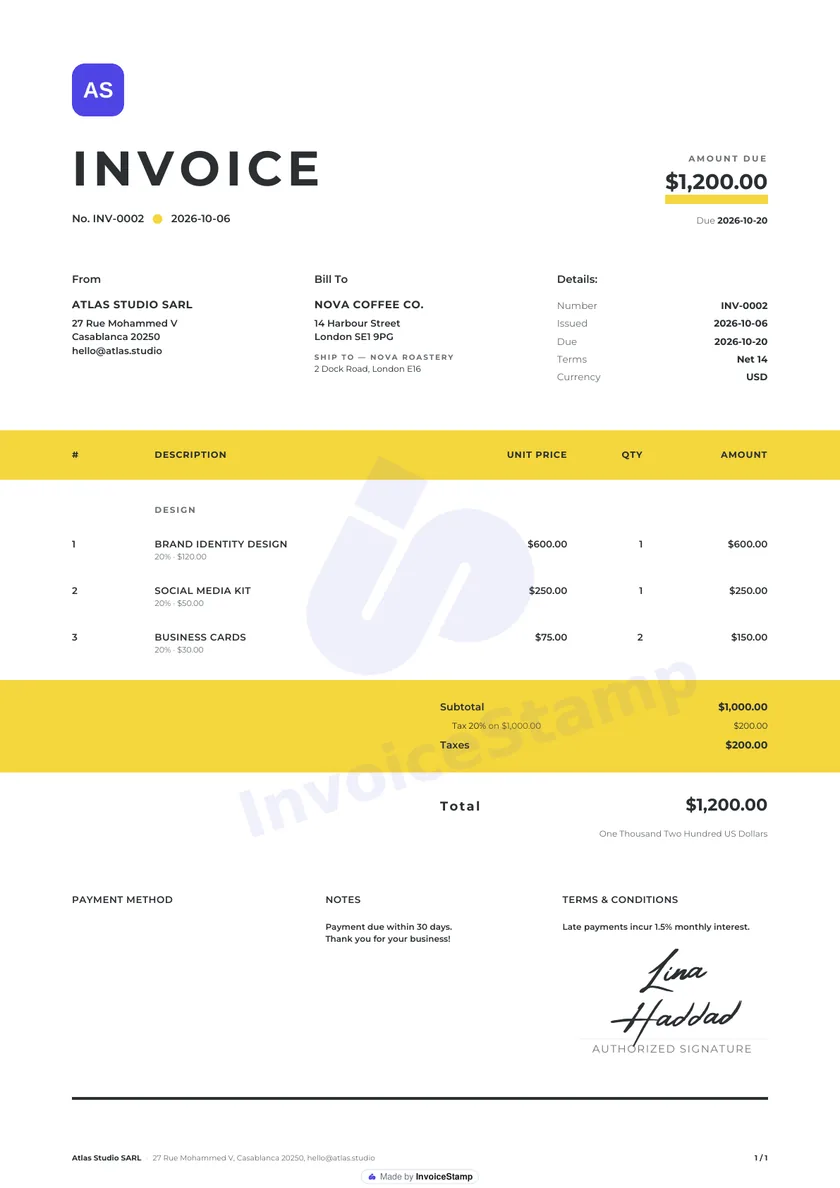
Canary
Shops, retail and small businesses
Use Canary
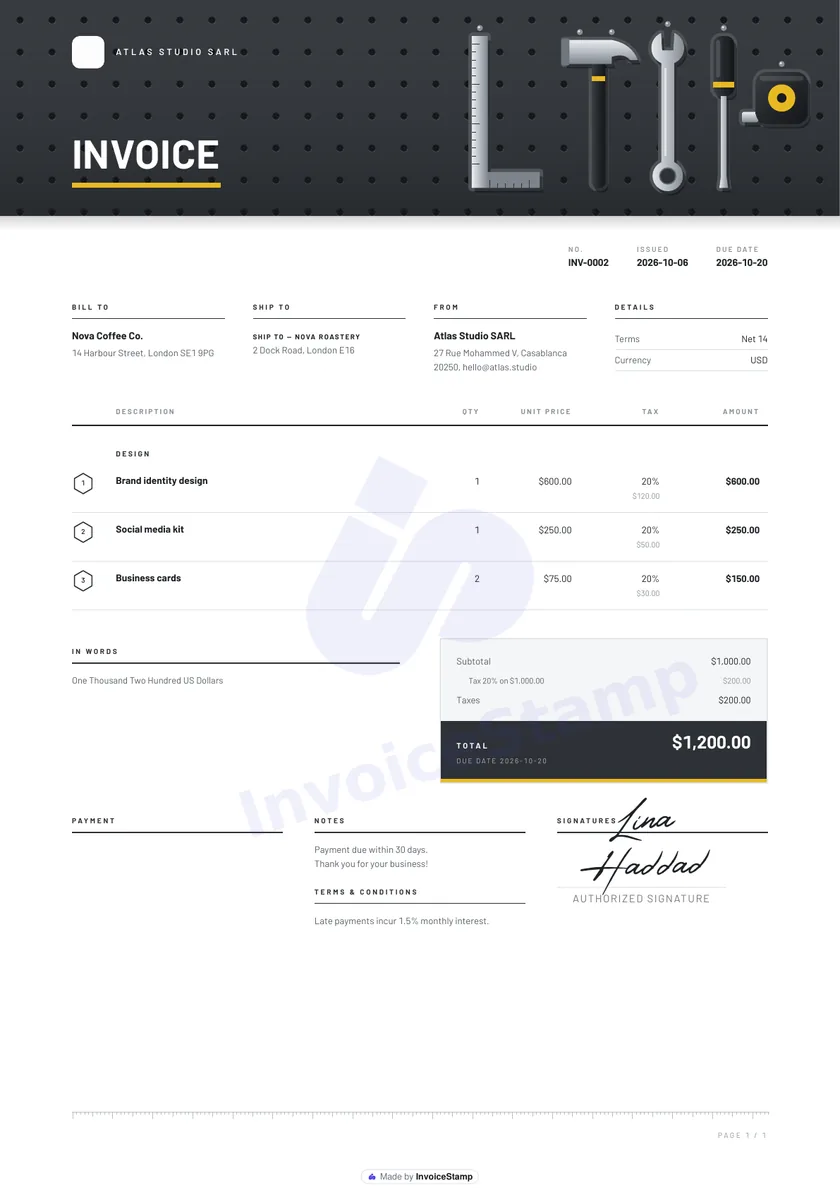
Workshop
Trades, repairs and construction
Use Workshop
Want more designs? The InvoiceStamp app has a growing gallery, from quiet and classic to bold and dark.
Everything an invoice needs, nothing to sign up for.
Your logo, your colors
Upload a logo and recolor any design to match your brand.
Tax and discounts
A tax rate for the invoice, and discounts per line or on the total. The figures always add up.
Any currency
Pick one of 151 currencies from the list, or type any three-letter code.
Invoices, quotes, delivery notes
Change the title and the PDF follows. Start from one of 499 industry templates.
Your words on the page
Rename the columns and headings the PDF prints, such as Hours and Rate, and add notes and payment terms.
No account
No sign-up and no card. Your invoice never leaves your device until you make the PDF.
From the makers of this tool
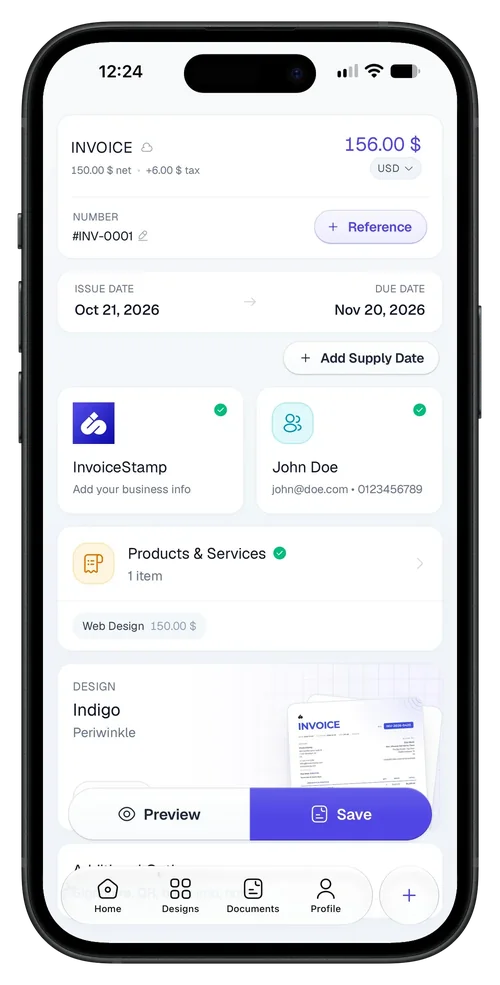
Invoicing on the go? Get InvoiceStamp.
This generator makes one invoice at a time. InvoiceStamp, the invoice maker app for iPhone, saves your clients and products, records payments and keeps every invoice, so the next one takes seconds.
- Invoices, quotations and sale orders
- Clients straight from your phone’s contacts
- Full or partial payments, with the status kept up to date
- Your logo sets the color of the whole invoice
- Tax on each line, added on top or included
- Your signature, drawn, typed or uploaded
- 152 currencies and a growing gallery of designs
InvoiceStamp Pro starts with a free trial for new subscribers.
Questions, answered.
About the app itself? The InvoiceStamp FAQ has more.
Is this invoice generator really free?
Yes. Create and download as many invoices as you like, with no account and no card. Each PDF carries a small "Made by InvoiceStamp" mark at the foot of the page.
Do I need to sign up?
No. Open the editor, fill in your invoice and download the PDF. There is no account to create.
Where is my invoice data kept?
Only the invoice you are working on is kept, in your browser's storage on this device, so a refresh doesn't lose it. Nothing else is saved: to keep clients, products and past invoices, use the InvoiceStamp app. When you download a PDF, the invoice's contents are sent to InvoiceStamp's PDF service, which makes the file and sends it back.
Can I add my logo and change the colors?
Yes. Upload a logo image of up to 1 MB, pick one of the six designs and choose one of its colors or any color of your own.
Can I make a quote or a delivery note?
Yes. Change the document title to "Quote" or "Delivery note" and the PDF uses that wording. The industry templates also have quotation, sale order and delivery note versions.
Can I remove the "Made by InvoiceStamp" mark?
The free generator always adds it. Invoices made with InvoiceStamp Pro, in the InvoiceStamp app, carry no watermark.
What is InvoiceStamp?
InvoiceStamp is the invoice maker app for iPhone, from the team behind this generator. Where this tool makes one invoice at a time, the app saves your clients and products, records full or partial payments and keeps every invoice, quotation and sale order you make. Android is coming soon.
Your next invoice is a minute away.
Create your invoice